
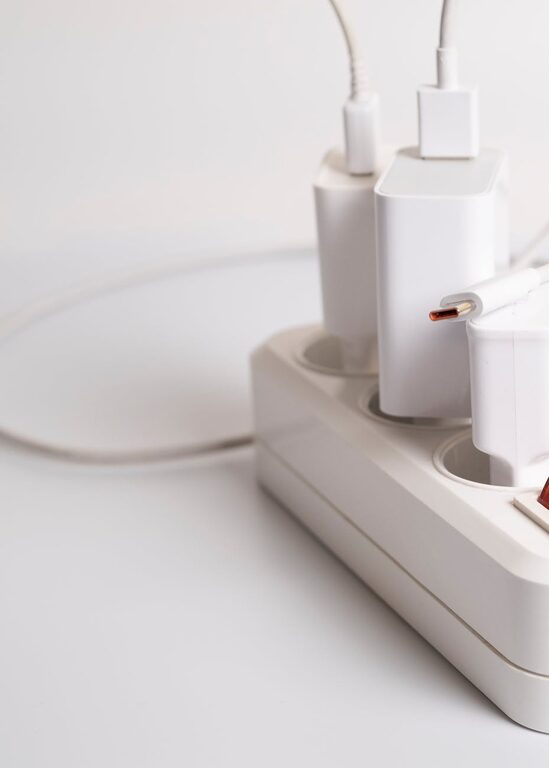
Setting up a charging station for your devices is a practical way to keep your gadgets organized, charged, and ready to use at all times. Whether you have smartphones, tablets, smartwatches, or wireless earbuds, a dedicated charging spot can reduce clutter and make powering up easier. In this post, we’ll walk you through how to create a functional and tidy charging station at home.
Why Create a Charging Station?
Before diving into the setup, let’s understand the benefits of having a dedicated charging station:
– Organized Space: Prevents tangled cords and scattered devices.
– Efficiency: Charges multiple devices simultaneously.
– Convenience: Eliminates the need to search for chargers or outlets.
– Safety: Reduces tripping hazards and wear on cables and plugs.
Now, let’s explore how to set up your own charging station in a few simple steps.
Step 1: Choose the Right Location
Selecting the proper place for your charging station is crucial.
Considerations for Location:
– Central Area: A spot everyone in the household frequents, like the living room or kitchen counter.
– Accessible Power Outlets: Make sure there are enough sockets nearby.
– Stable Surface: A sturdy table or shelf to hold devices safely.
– Ventilation: Avoid enclosed areas where devices might overheat while charging.
Step 2: Assess Your Devices and Charging Needs
List all devices you want to include such as phones, tablets, e-readers, smartwatches, Bluetooth headphones, and fitness trackers. Note their charging methods:
– USB Type-A / Type-C cables
– Wireless charging pads
– Charging docks or cradles
Knowing this will help determine the types of chargers and ports you need.
Step 3: Gather Materials and Equipment
Based on your devices and location, gather these essentials:
– Power strips or surge protectors: Preferably with multiple USB ports for charging several devices.
– Charging cables: Ensure you have compatible cables in good condition.
– Charging stand or organizer: These come in various designs to keep gadgets upright and sorted.
– Cable management tools: Clips, sleeves, or ties to keep cords neat.
– Optional: Wireless charging pads for compatible devices.
Step 4: Set Up Your Charging Station
Prepare the Surface
Clean the area to remove dust, then place a mat or tray to protect the surface from scratches or heat.
Arrange the Power Source
Plug your power strip or charging hub into the outlet. If you have several devices, consider one with built-in USB ports to reduce the number of individual adapters.
Organize Cables
Use cable clips or ties to bundle cables and avoid tangling. Label cables if needed to quickly identify each one.
Position Charging Stands and Pads
Set up vertical stands or cradles to hold devices upright, which helps monitor charging progress easily and keep devices safe from spills or knocks. Place wireless chargers flat on the surface for convenient use.
Step 5: Maintain Your Charging Station
Regular upkeep will help your charging station stay efficient and organized:
– Periodically check cables for damage.
– Dust the area to prevent dirt buildup.
– Rearrange as new devices come in or old ones leave.
– Avoid overloading power strips to ensure safety.
Tips for a Better Charging Station
– Use Fast Chargers: Invest in chargers that support fast charging for quicker turnarounds.
– Dedicated Charging Times: Encourage family members to charge devices overnight to keep the station free during the day.
– Personalized Zones: If multiple people use the station, designate spots for their devices.
– Portable Option: Create a small charging caddy for travel or moving between rooms.
Conclusion
Setting up a charging station for your devices can greatly improve your daily routine by keeping everything powered and in one place. By choosing the right spot, assembling the right equipment, and organizing cables and devices thoughtfully, you’ll create a neat and efficient charging hub that suits your lifestyle.
Try these steps today and enjoy a clutter-free way to keep all your gadgets charged and ready!